![Beeye (Text).svg]](https://support.mybeeye.com/hubfs/Beeye%20(Text).svg)
Before deleting a role, make sure no user is assigned to it.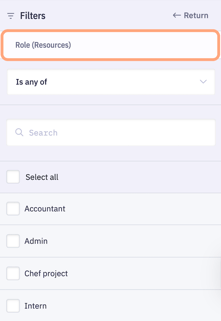
-
Go to Resources (main menu).
-
Use the Role filter to display only the users assigned to that role.
-
Reassign each user to an appropriate role (for example, an existing equivalent role).
-
Once no users are associated with the role, go back to Settings > Roles to delete it.